前言 这几周不加班,早早到家,闲来无事在 NAS 服务器上搭建了个 Jenkins,用了几天后觉得自带的主题有点单调。
Them Plguin 需要安装 Simple Theme Plugin 和 Login Theme Plugin。
怎么安装和使用就不说明了,参考官方最新的文档更为靠谱。
主要他们提供了加载 css 和 js 的配置。
本地 Web 服务 本地开发时为了方便查看效果,我用 NodeJS 的 Koa 在本地启动了一个 Web 服务,让 Theme Plugin 读取我本地的 css 和 js 文件。
这样修改完 css 或 js 文件后,刷新页面即可看到效果,而不需要每次把 css 和 js 的文件内容配置到 Theme Plugin 中。
1
2
3
4
5
6
7
8
const Koa = require ("koa" );const serve = require ("koa-static-server" );const port = 4600 ;const app = websockify (new Koa ());app.use (serve ({ rootDir : "dist" , rootPath : "/" })); app.listen (port);
引入 Less 写了几句 css 后,发现没嵌套功能写的真难受,于是引入 Less,方便编写 css。
1
2
3
4
5
6
7
8
9
10
11
12
13
14
15
16
17
18
19
20
const less = require ("less" );const renderLess = async (lessFilePath ) => { let lessFileContent = fs.readFileSync (lessFilePath, { encoding : "utf-8" }); let lessRenderRes = await less.render (lessFileContent); let targetPath = path.join ( __dirname, "../dist" , lessFilePath.substring ("src/" .length , lessFilePath.length ) ); let targetDir = path.dirname (targetPath); let targetName = path.basename (targetPath, ".less" ) + ".css" ; if (!fs.existsSync (targetDir)) { fs.mkdirSync (targetDir, { recursive : true }); } targetPath = path.join (targetDir, targetName); fs.writeFileSync (targetPath, lessRenderRes.css , { encoding : "utf-8" }); return { path : targetPath.replace (path.join (__dirname, "../dist" ), "" ) }; };
监听文件变化 既然都引入了 Less,那么肯定要引入 自动编译,同时为了后续热更新。
1
2
3
4
5
6
7
8
9
10
11
12
13
14
15
16
17
const glob = require ("glob" );const chokidar = require ("chokidar" );const watchAndRenderLess = ( glob ("src/**/*.less" , {}, function (er, files ) { files.forEach (renderLess); }); const watcher = chokidar.watch ("src/**/*.less" ); watcher.on ("all" , async (e, filePath, stats) => { if (e == "add" || e == "change" || e == "addDir" ) { let result = await renderLess (filePath); console .log (`${url} ${result.path} ` ); } }); }; watchAndRenderLess ();
现在就可以愉快的使用 Less 了。
热更新 每次编写样式后,都需要手动刷新页面才能看到效果,能不能自动热更新页面,不需要手动刷新页面呢?
使用三方库虽然方便,但自己尝试写一下也是不错的选择。
主要就是监听样式文件变化,然后通过 webScoket 通知页面,页面再加载新的样式。
1
2
3
4
5
6
7
8
9
10
11
12
13
14
15
16
17
18
19
20
21
22
23
24
25
26
27
28
29
30
31
32
33
34
35
36
37
38
39
40
41
42
43
const websockify = require ("koa-websocket" );const port = 4600 ;const url = `http://localhost:${port} ` ;const clients = new Set ();app.ws .use (function (ctx, next ) { clients.add (ctx.websocket ); ctx.websocket .onclose = () => { clients.delete (ctx.websocket ); }; return next (ctx); }); const watchAndRenderLess = ( const watcher = chokidar.watch ("src/**/*.less" ); watcher.on ("all" , async (e, filePath, stats) => { if (e == "add" || e == "change" || e == "addDir" ) { refresh (result.path ); } }); }; const renderClientJs = ( let content = fs.readFileSync (path.join (__dirname, "client.js" ), { encoding : "utf-8" , }); content = content.replace (/\$\[port\]/g , port); fs.writeFileSync (path.join (__dirname, "../dist" , "client.js" ), content, { encoding : "utf-8" , }); }; const refresh = (filePath ) => { clients.forEach ((client ) => { let data = { type : "refresh" , path : filePath }; client.send (JSON .stringify (data)); }); }; renderClientJs ();
1 2 3 4 5 6 7 8 9 10 11 12 13 14 15 16 17 18 19 20 21 22 23 24 25 26 27 28 29 30 31 32 33 34 35 36 37 38 39 (function ( let host = "localhost:$[port]" ; let files = new Map (); let findTargetCss = ( let links = [...document .querySelectorAll ('link[rel="stylesheet"]' )]; for (const link of links) { let url = new URL (link.href ); if (url.host === host) { files.set (url.pathname , link); } } }; findTargetCss (); let ws = new WebSocket (`ws://${host} /` ); ws.onmessage = (e ) => { console .log ("message" , e); let data = JSON .parse (e.data ); if (data.type == "refresh" ) { if (files.has (data.path )) { let node = files.get (data.path ); let url = new URL (node.href ); let qs = new URLSearchParams (url.search ); qs.set ("t" , new Date ().getTime ()); url.search = qs.toString (); node.href = url.toString (); } } }; ws.onopen = (e ) => { console .log ("open" , e); ws.send ("hello world" ); }; })();
通过 Theme Plugin 再把这个 client.js 引入,就可以实现热更新了。
上面的代码仅是 demo,为了快速解决问题随手写的。
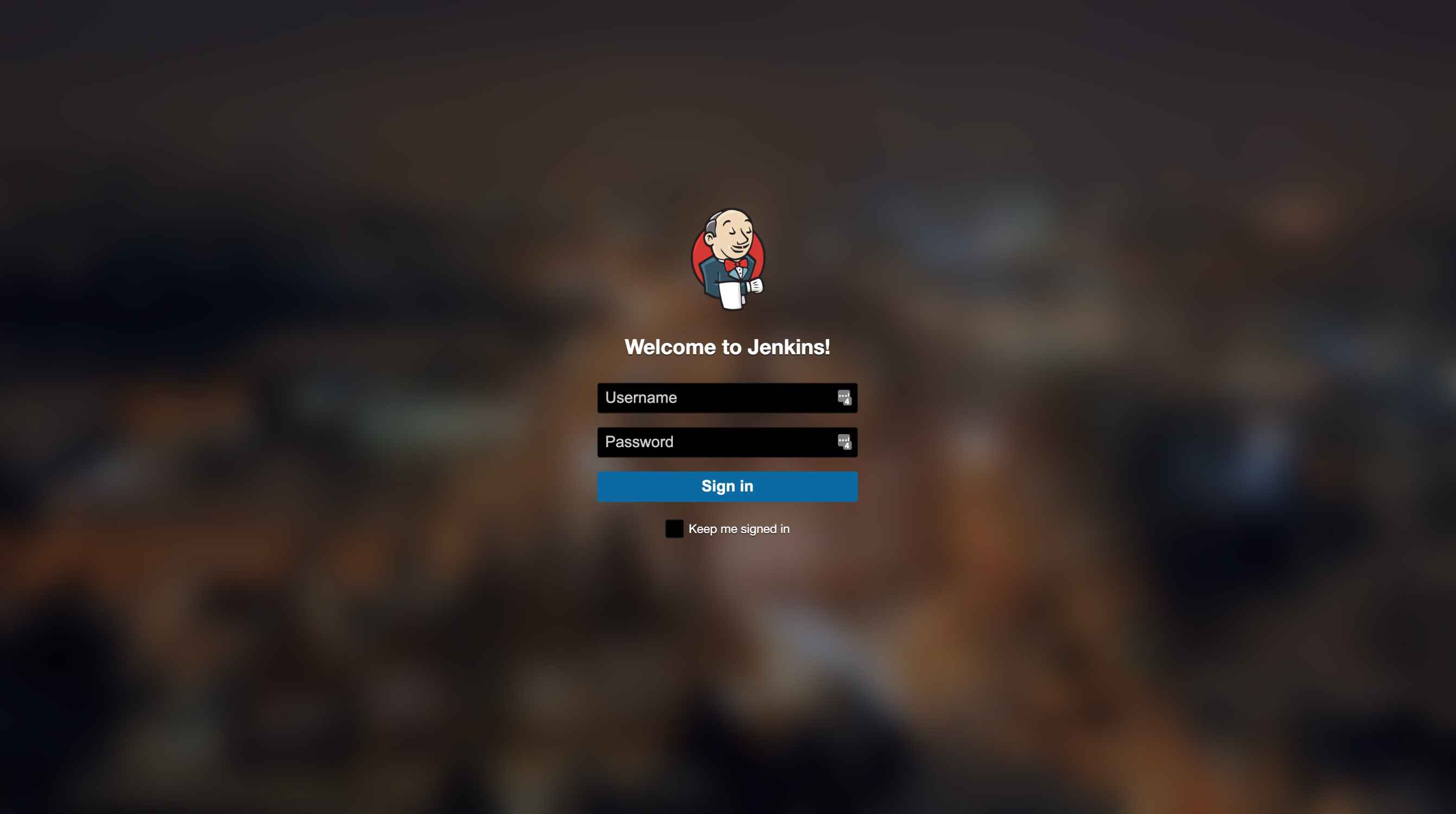
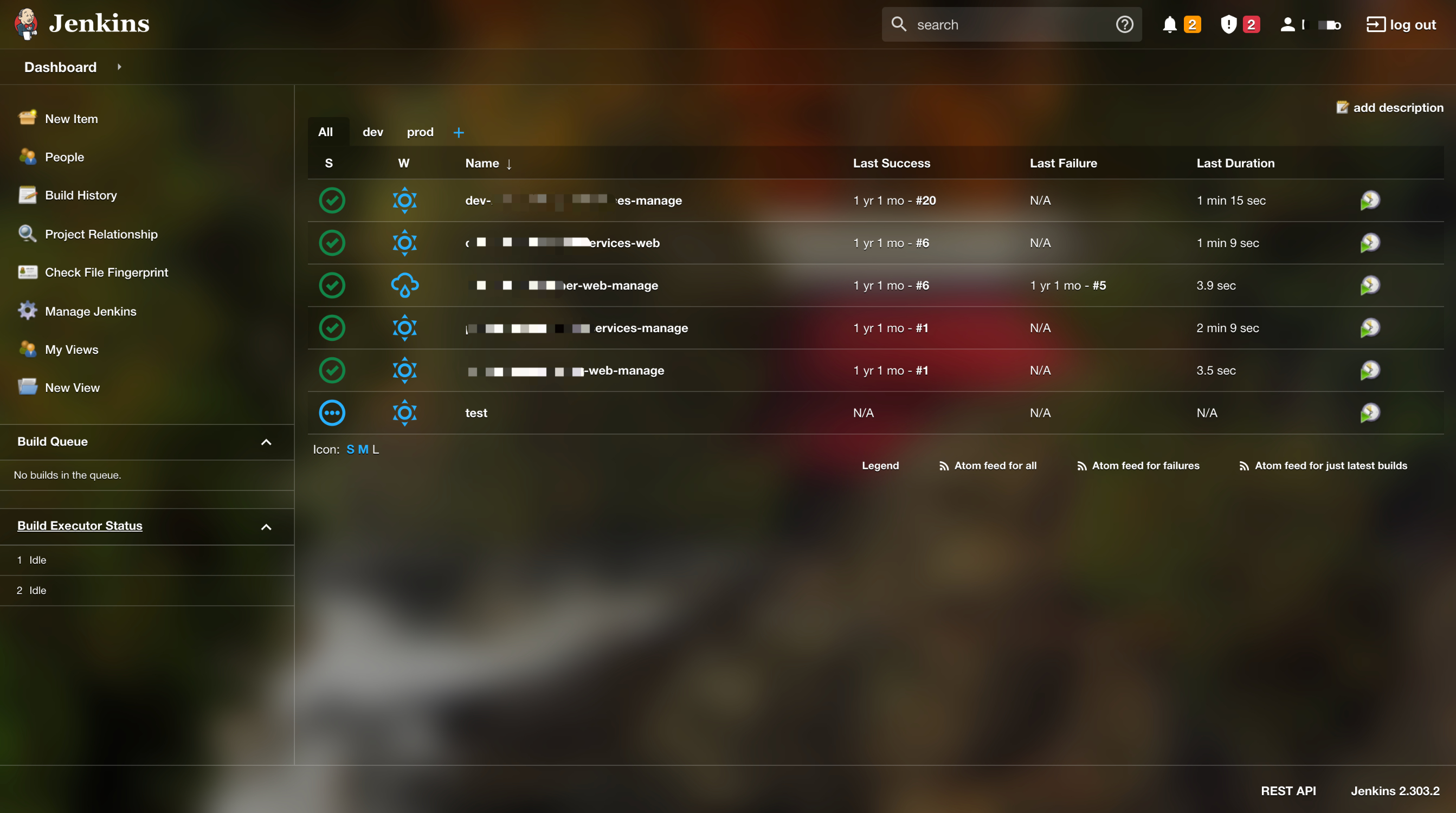
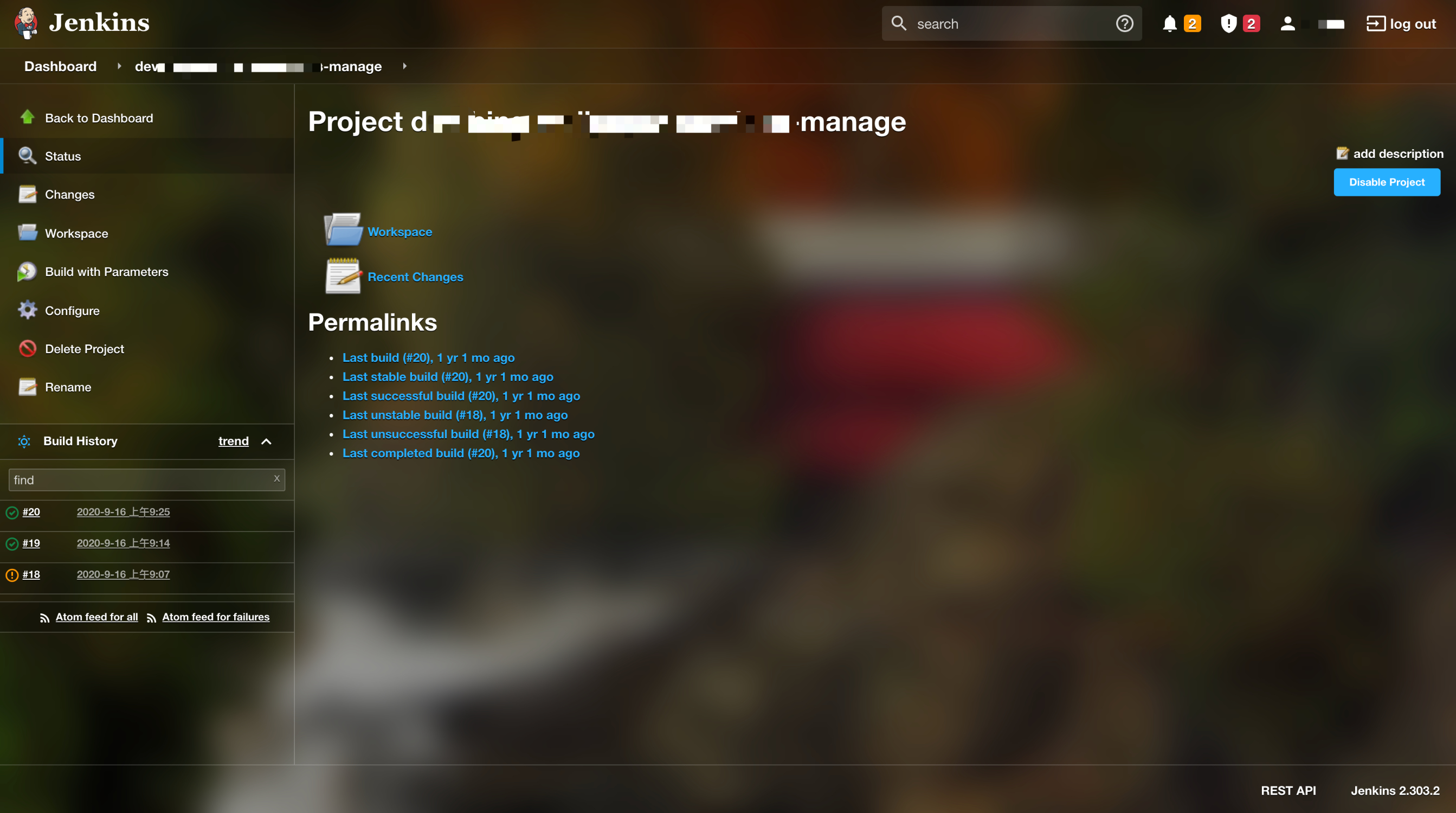
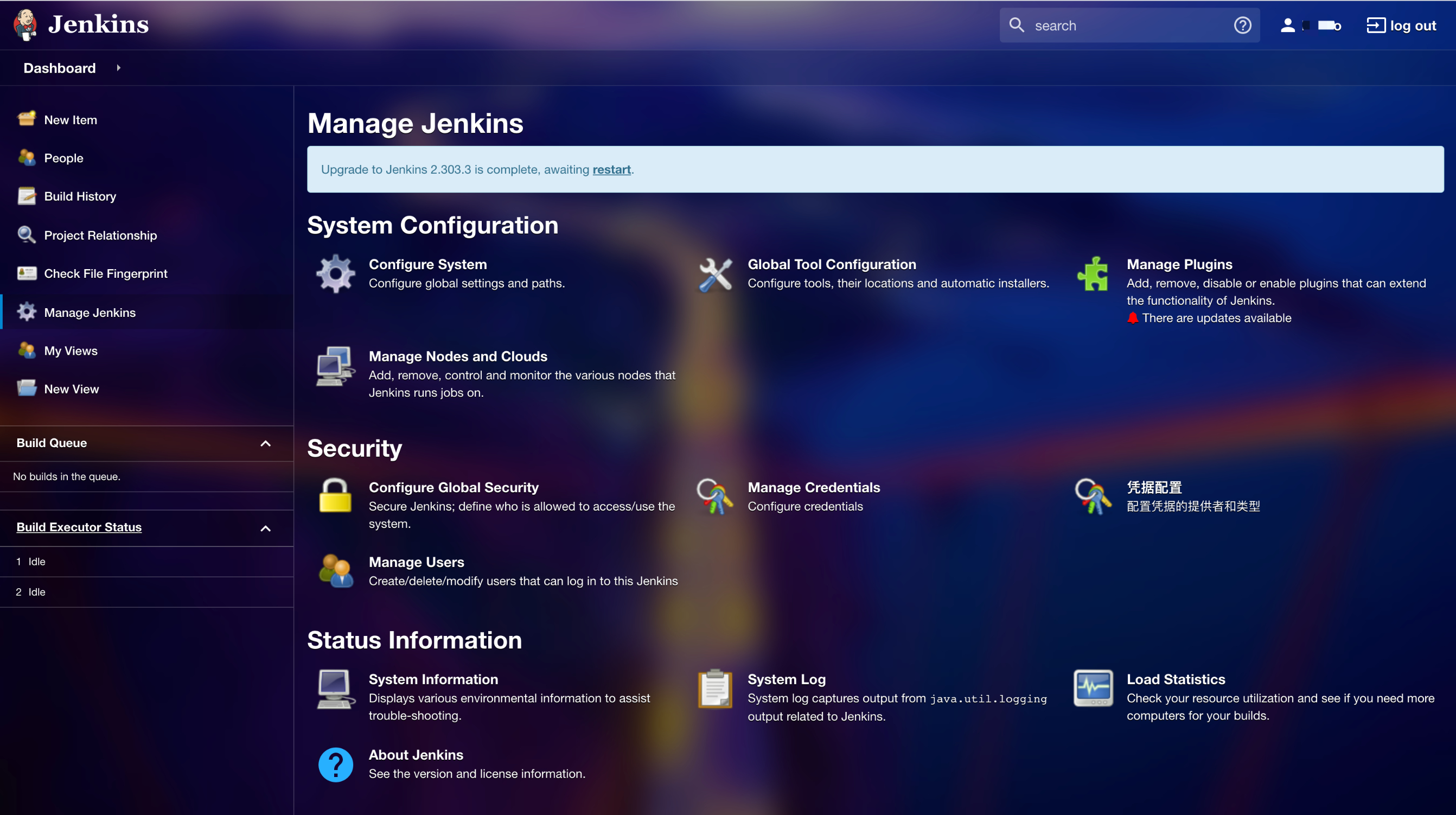
主题效果 背景使用了 Bing 的今日壁纸,每天都会看到不一样的背景,整体是半透明的风格,整体颜色风格会受到背景颜色的影响,这样每天都可以感受到不一样的效果了。
下面图片是经过压缩的,背景效果有点模糊,没真实的看着丝滑。